**No Credit Card Required for Free Trail
1. Install the Downloader App
On your Android TV, Google TV, or Firestick.
Search “Downloader by AFTVnews” and install it.

2. Allow Unknown Sources
(can skip this step and begin downloading if you are using an android box, it will prompt you to change settings upon downloading the apps from downloader).
Go to Settings → Security & Restrictions.
Turn on Install from Unknown Sources for the Downloader app.
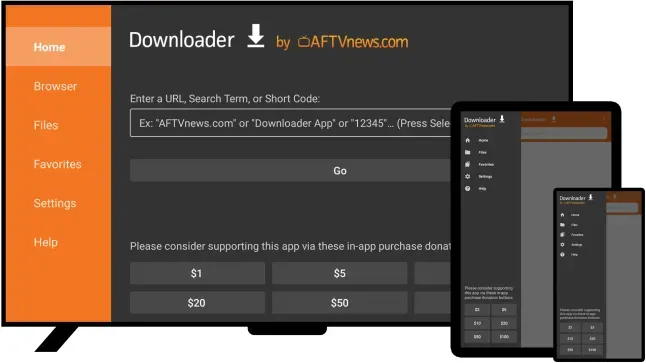
3. Open Downloader & Enter Codes
Launch Downloader.
In the search/URL box, type:
MyStreamVision DIRECT: 7725380
Select <GO>
4. Install the App
Wait for the APK to download.
Choose Install when prompted.
5. Restart the Box or your Device
Go to the gear icon (Settings) → System → Restart.
6. Set Up Each App
MiSoi: Open the app and log in with your credentials.
MyStreamVision DIRECT: Select MyStreamVision playlist, log in, and let the playlist load.
7. Clean Up (Optional)
After installation, delete the APK file in Downloader to free up space.